
Web development
Website security is reputation management: the basics every owner should own
By Jhon Carl Ignoro,


 By Jhon Carl Ignoro, Web Development, SEO and Digital PR LeadPublished 4 min read
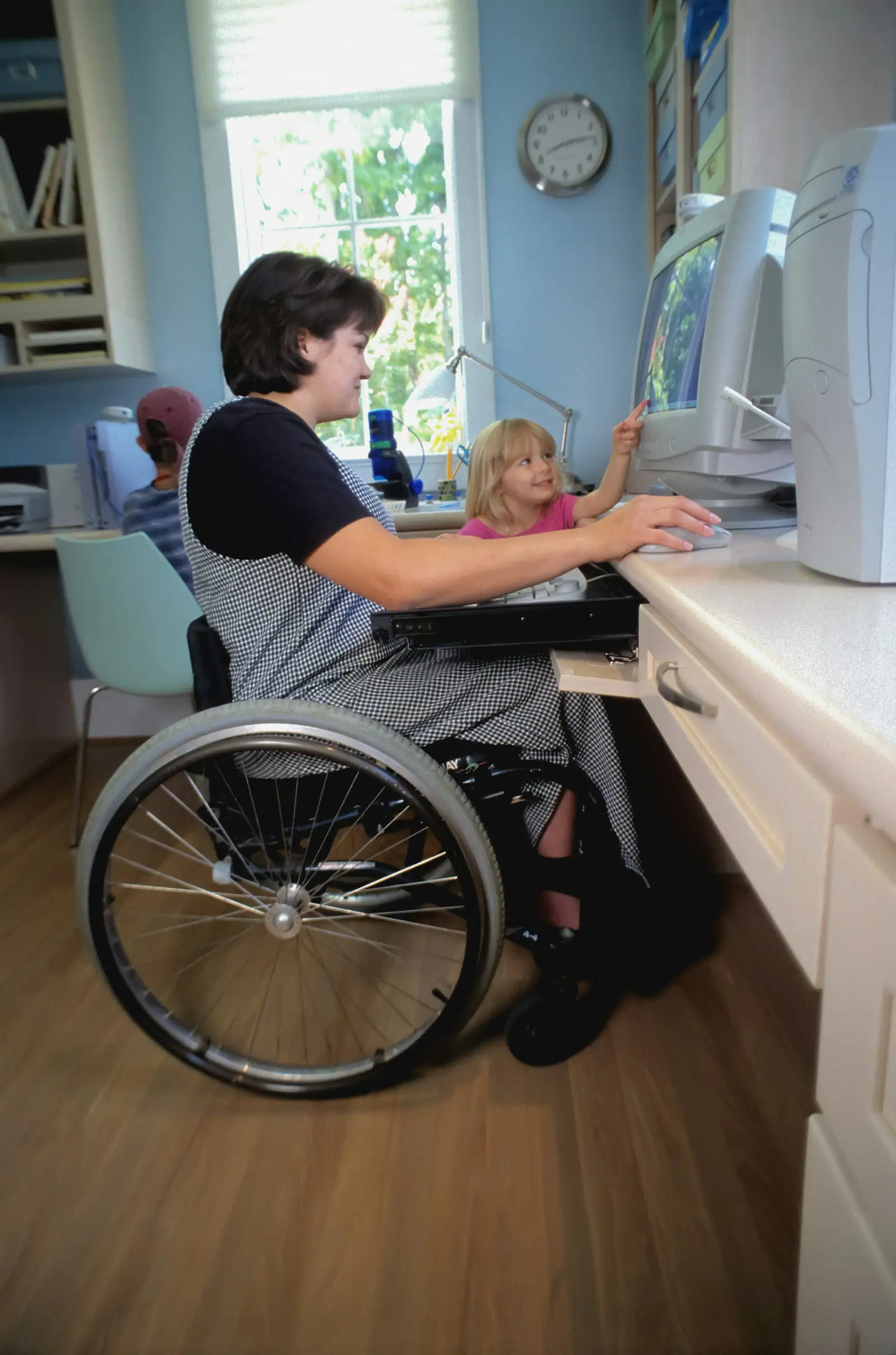
Today is Global Accessibility Awareness Day, which makes it a good moment to share a number that has not improved the way it should.
Every year, the nonprofit WebAIM runs an automated accessibility check on the home pages of the top one million websites. In the 2026 WebAIM Million, 95.9% of those home pages had detectable failures against the Web Content Accessibility Guidelines (WCAG), up from 94.8% the year before. The average home page had 56.1 detectable errors.
That is the floor, not the ceiling. Automated tools only catch the problems a machine can detect, so the real share of pages with barriers is higher.
The encouraging part is that most of these errors are not exotic. WebAIM found that 96% of all detected errors fall into six categories:
None of these require a redesign. Most are a few lines of code or a change in how content is entered, which is why I tell clients that accessibility is one of the best-value improvements they can make to a website.
I am not a lawyer and this is not legal advice, but business owners ask, so here is what the U.S. Department of Justice has said publicly.
If you sell to public agencies, universities or healthcare systems, expect accessibility questions in procurement. If you serve the public, accessibility is simply part of serving everyone.
You may be offered a plugin or overlay that promises compliance with one line of code. Be careful. In April 2025 the Federal Trade Commission approved a final order requiring accessiBe to pay $1 million over claims that its tool could make any website WCAG-compliant. Real accessibility comes from the underlying code and content, and that is where the fixes belong.
Accessible sites also tend to be better sites for everyone: clearer, easier to use and easier for search engines to understand. Much of what helps a screen reader helps Google too.
The Department of Justice’s position is that the ADA covers the goods and services businesses open to the public offer online. It has not set a detailed technical standard for businesses, but it points to WCAG as helpful guidance.
WCAG 2.2 Level AA, the current W3C recommendation published in October 2023. It builds on WCAG 2.1, so meeting 2.2 AA also covers the 2.1 AA standard the DOJ adopted for state and local governments.
Often, yes. Descriptive alt text, real headings, labeled forms and clear link text help search engines understand a page as well as screen readers. Accessibility is not a named ranking factor, but the overlap is large.
Jhon Carl leads web development, SEO, AI-search optimization and digital PR at FIREWORKS Communications. He has eight years of experience building and optimizing high-performing websites for clients in the United States, Australia and the UAE.
By Jhon Carl Ignoro,

By Jhon Carl Ignoro,

We write about what we see working for the businesses we know. If something here raises a question about your own situation, we would be glad to hear it.